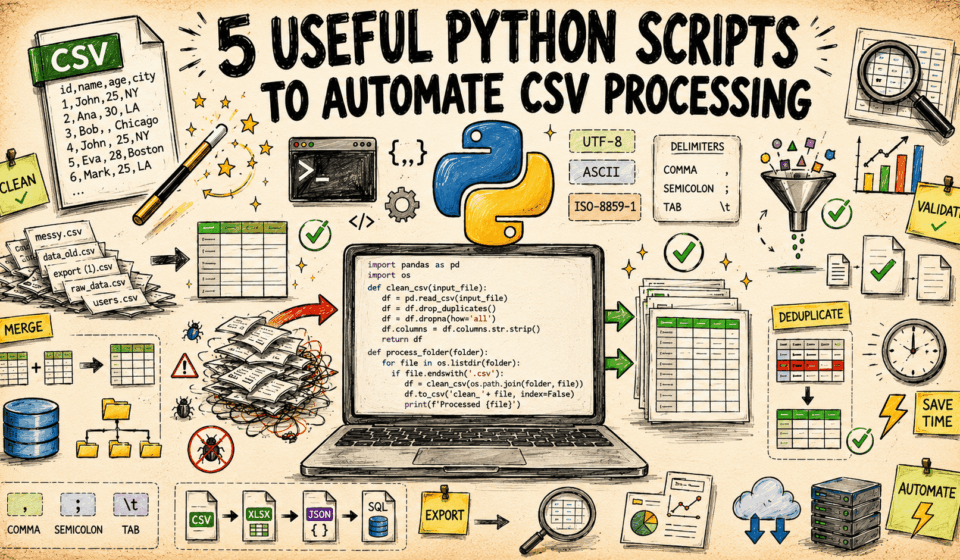

CSV files remain a common format for exchanging and storing data, but handling them manually can be tedious. Python’s standard library provides tools to automate routine CSV operations without installing external packages. The following five scripts cover cleaning, validating, transforming, and processing CSV files, helping streamline repetitive work.
Why Use Python's Standard Library for CSV Tasks
The standard library includes modules designed for CSV handling, so you can build automation scripts without adding dependencies. This keeps scripts portable and reduces setup time. The scripts below focus on common needs: removing inconsistencies, checking data quality, reshaping content, and performing batch operations.
Script 1: Clean CSV Data
Cleaning often involves stripping extra whitespace, removing empty rows, and standardizing delimiters. A cleaning script can read a CSV file, apply these fixes, and write a tidy version. This reduces errors before the data reaches other tools or analyses.
Script 2: Validate CSV Structure and Content
Validation checks that a CSV file meets expected rules, such as consistent column counts, required headers, or acceptable value ranges. A validation script can flag rows that break these rules, making it easier to correct problems early.
Script 3: Transform CSV Data
Transformation scripts change the shape or content of CSV data. Examples include renaming columns, converting data types, filtering rows, or merging fields. Automating these steps ensures transformations are applied consistently across files.
Script 4: Process CSV Files in Batch
When working with many CSV files, a batch processing script can loop through a directory, apply the same operation to each file, and save the results. This is useful for recurring tasks like aggregating daily reports or converting file formats.
Script 5: Automate CSV Reporting
Reporting scripts can read CSV data and produce summaries, such as counts, totals, or grouped statistics. The output might be another CSV file or a simple text report, depending on the need. This saves time compared to manual calculations.
Getting Started with CSV Automation
These five script types address frequent CSV challenges using only Python’s standard library. By adapting them to specific requirements, you can reduce manual effort and improve consistency in data handling workflows.