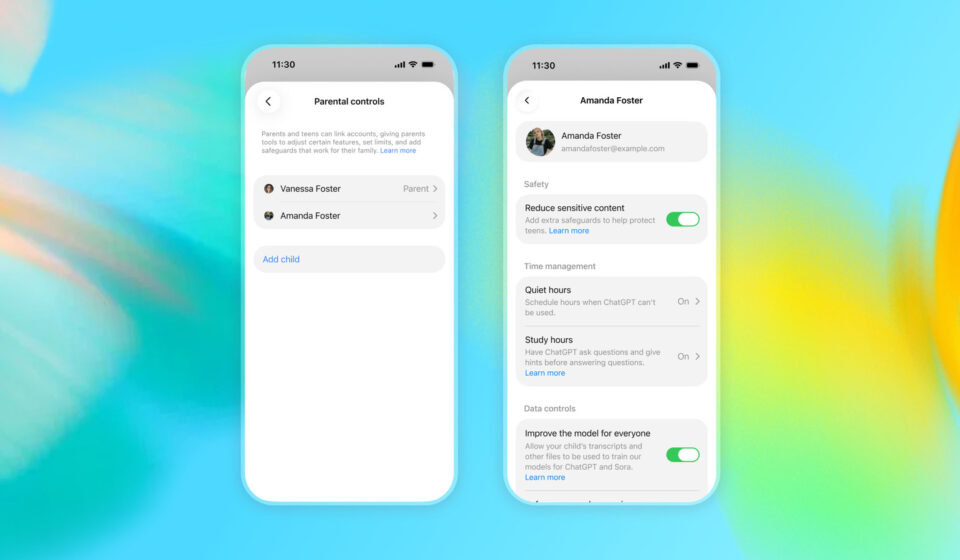

As artificial intelligence becomes a bigger part of everyday life, many parents are understandably concerned about their teenagers using tools like ChatGPT. The thought of your child interacting with an AI chatbot can be daunting, but OpenAI has introduced new teen-focused tools that offer granular control over what your teen can and cannot access. Here’s how to set up these parental controls and give yourself peace of mind.
Why OpenAI’s Teen Tools Matter
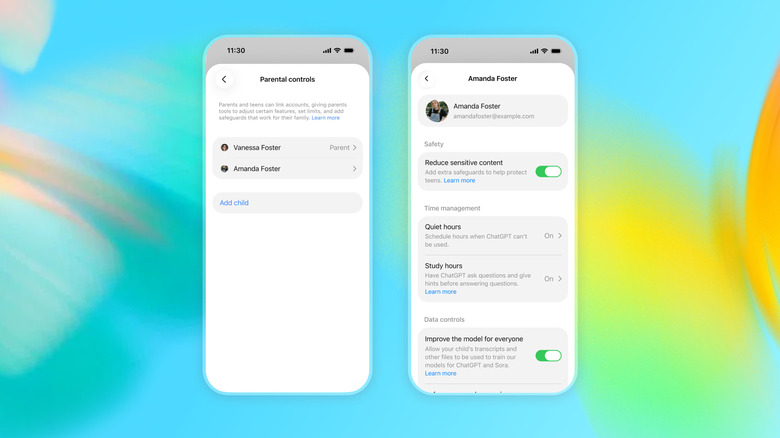
OpenAI’s latest features are designed specifically for younger users, giving parents the ability to tailor the ChatGPT experience to their teen’s maturity level and needs. These tools are not just about blocking content—they provide a framework for safe and responsible AI use, allowing you to set boundaries while still letting your teen benefit from the technology.
Step-by-Step: Setting Up Parental Controls
To begin, you’ll need to access the parental controls within your ChatGPT account. The process is straightforward, but it’s important to understand each option so you can make informed decisions.
1. Access the Parental Controls Menu
Log in to your ChatGPT account and navigate to the settings or account management area. Look for the parental controls or teen safety section—this is where you’ll manage all the restrictions.
2. Configure Content Access
Within the parental controls, you can set limits on what your teen can access. OpenAI’s tools allow you to restrict certain types of content or features that you feel are inappropriate. You can adjust these settings based on your teen’s age and your family’s values.
3. Review and Adjust Permissions
Take time to review each permission. The controls are granular, meaning you can fine-tune exactly what your teen can do—from enabling or disabling specific features to setting time limits or monitoring usage. Make sure the settings align with your expectations and your teen’s maturity.
What the Controls Cover
OpenAI’s teen-focused tools are not a one-size-fits-all solution. They are designed to give you flexibility. For example, you might allow your teen to use ChatGPT for homework help but restrict access to certain topics or modes. The granular nature of the controls means you can adapt them as your teen grows and as your comfort level changes.
Striking a Balance Between Safety and Independence
While the idea of your child using ChatGPT can be daunting, these parental controls are a step toward making AI safer for younger users. By setting up the controls, you’re not just protecting your teen—you’re also teaching them how to use AI responsibly. The tools are there to help you strike a balance between safety and giving your teen the independence to explore and learn.
In a world where AI is increasingly present, having these options can make all the difference. Take the time to set up the controls, review them regularly, and have open conversations with your teen about how they use ChatGPT. With OpenAI’s teen-focused tools, you can feel more confident about your child’s AI interactions.